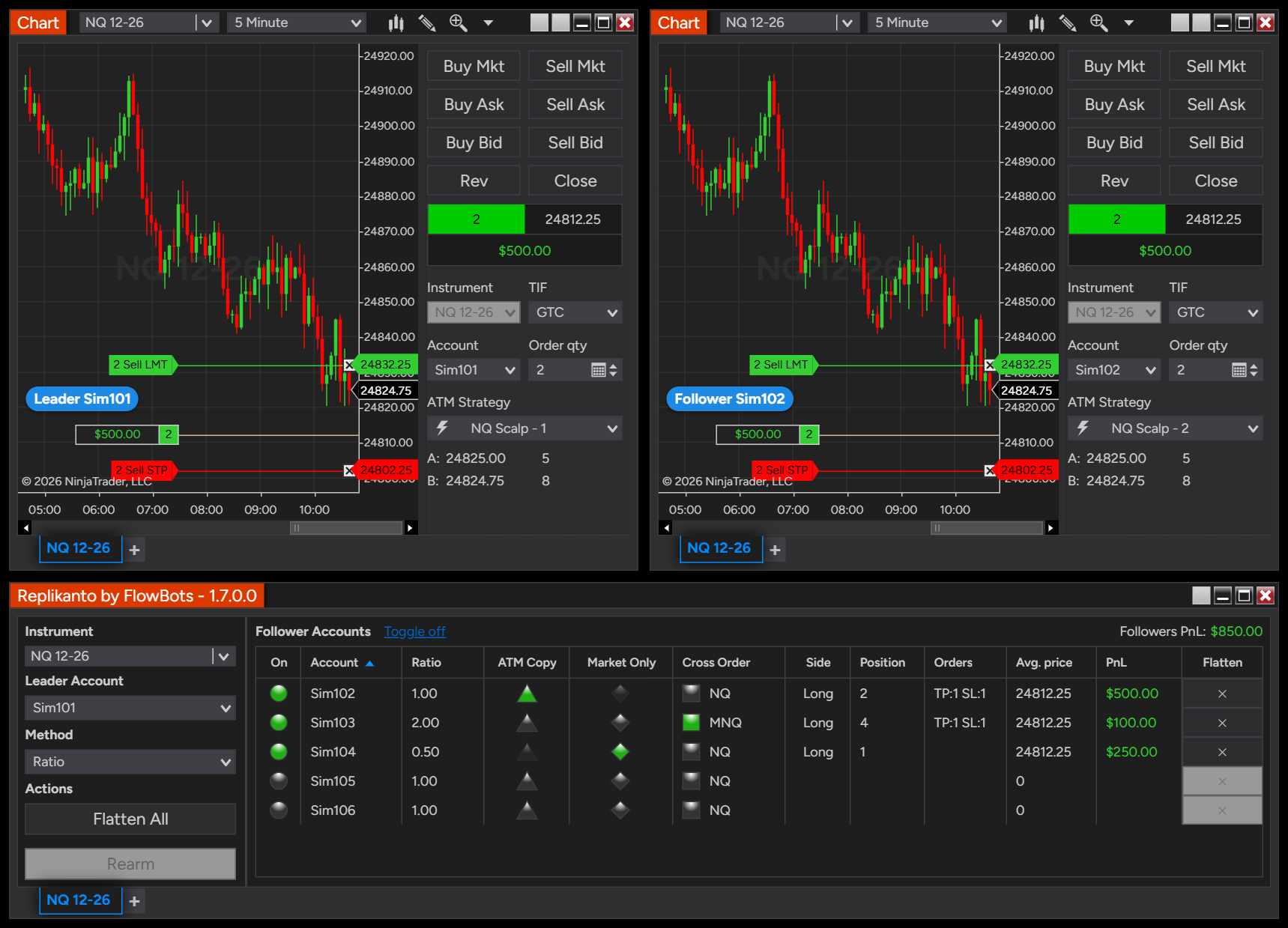
Description
Run Replikanto on one more computer
Replikanto Additional Machines is for customers who already own a Replikanto license. Each additional license activates Replikanto on one more computer, such as a VPS, a second trading computer or a laptop, so you can copy trades between your computers over your local network or the internet.
When you need it
- A VPS: keep Replikanto running on a VPS next to your home computer, as the leader or as a follower.
- A second trading computer: copy from one computer to another in the same home or office, over your local network.
- Followers in another place: copy to a computer anywhere over the internet.
Copying between accounts in the same NinjaTrader 8, on one computer, needs no additional license: your Replikanto license already covers every account on that computer.
How it works
Every computer involved, leader and followers, runs NinjaTrader 8 with Replikanto and needs its own license. Your Replikanto license covers your first computer (a 2 Machines license covers two), and each additional license covers one more.
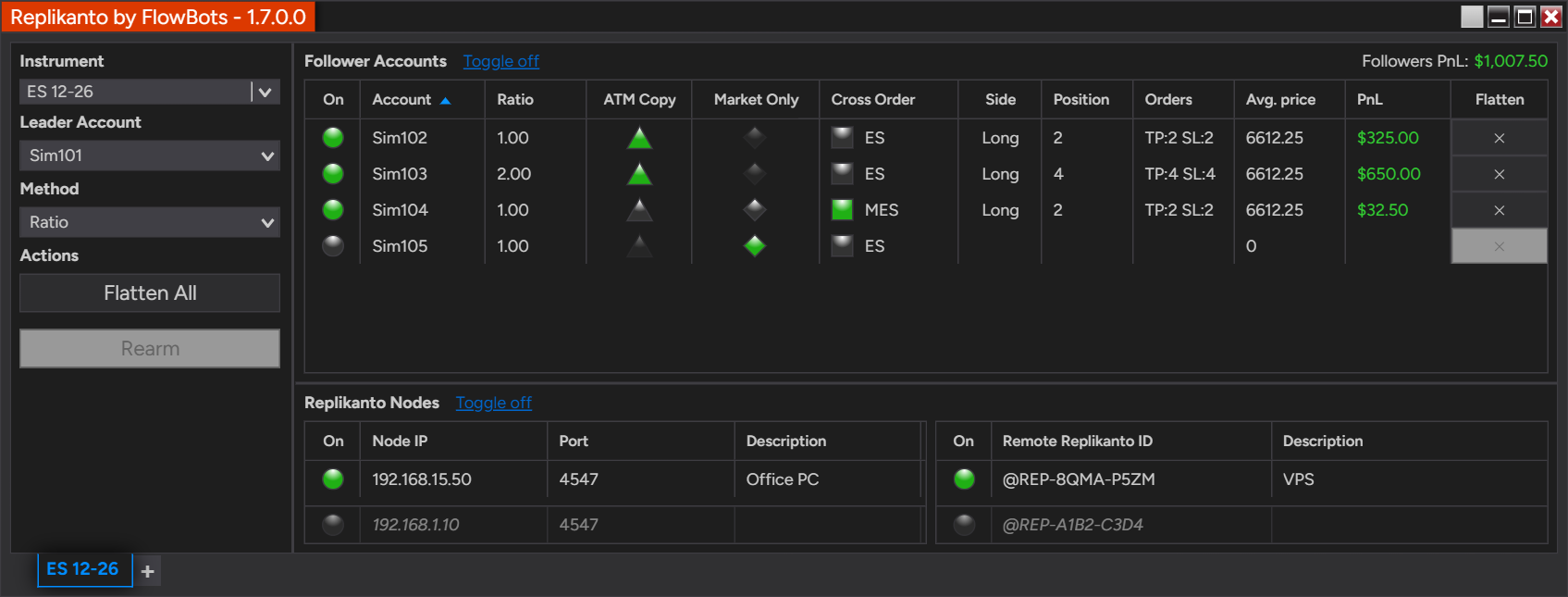
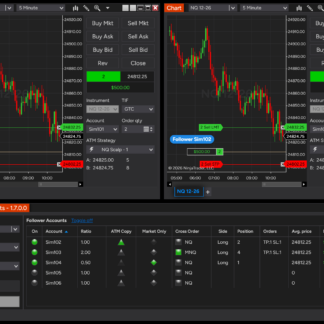
The leader’s Replikanto tab. Below, the Replikanto nodes it sends trades to: a computer on the local network and a VPS over the internet. Each of those computers runs Replikanto with its own license.
| Mode on the other computer | Where it is | What it needs |
|---|---|---|
| Network Node Mode (Local Network) | On your local network, in the same home or office | NinjaTrader 8 and a Replikanto license; no Submit credits |
| Remote Node Mode (Internet) | Anywhere, such as a VPS | NinjaTrader 8 and a Replikanto license; the sending computer uses Submit credits |
How to buy and activate
- On the new computer, install NinjaTrader 8 and generate its signed NinjaTrader Machine ID.
- Choose Lifetime or 1 year above and enter the signed Machine ID of each new computer at checkout.
- Install Replikanto on the new computer from your downloads page and restart NinjaTrader.
Keep every computer on the same Replikanto version, so the leader and its followers behave the same way.
Licenses
| License | Term | Includes |
|---|---|---|
| Lifetime | Keeps working after the first year | 1 computer, 20 Submit credits |
| 1 year | Stops working when it expires unless you renew it; cannot be converted to lifetime | 1 computer, 20 Submit credits |
Support and updates are included for the first year and can be extended annually after that. Each additional license has its own term, separate from the term of your original Replikanto license. To buy one, you need a purchased Replikanto license that has not expired (a Trial does not count). A maximum of 6 additional licenses are permitted per customer.
Do I need an additional license for each account?
No. Licenses are per computer, not per account. One license covers every account connected to NinjaTrader 8 on that computer.
I don’t own Replikanto yet. What should I buy?
Start with Replikanto: choose Trial there to test it free for 7 calendar days. If you already know you need two computers, the 2 Machines license covers both in one purchase.
Can I move an additional license to another computer?
Yes. Update its Machine ID in the Machine ID Manager, for example after a new computer or a Windows reinstall. Each license runs on one computer at a time, and you must wait 2 hours between Machine ID changes. How to transfer a license.
Can I buy additional licenses for someone else?
No. Additional licenses are for your own computers only and cannot be transferred to another person or resold. Learn more.
What are Submit credits?
Credits are used only for internet copying (Remote Node Mode): copying on the same computer or over your local network does not use them, and changes and cancellations are free. The sending computer uses one credit per order for each remote computer it sends to. When credits run out, trades are not sent over the internet; more credits are available at any time.
Requires NinjaTrader 8.1.6 or later on Windows on each computer. More answers in the Knowledge Center. Read the Terms of use.